
Download Markdown Viewer UWP – markdown viewer, markdown reader, markdown file viewer, markdown editor, markdown tool, markdown app, markdown utility, markdown reader for Windows
Overview
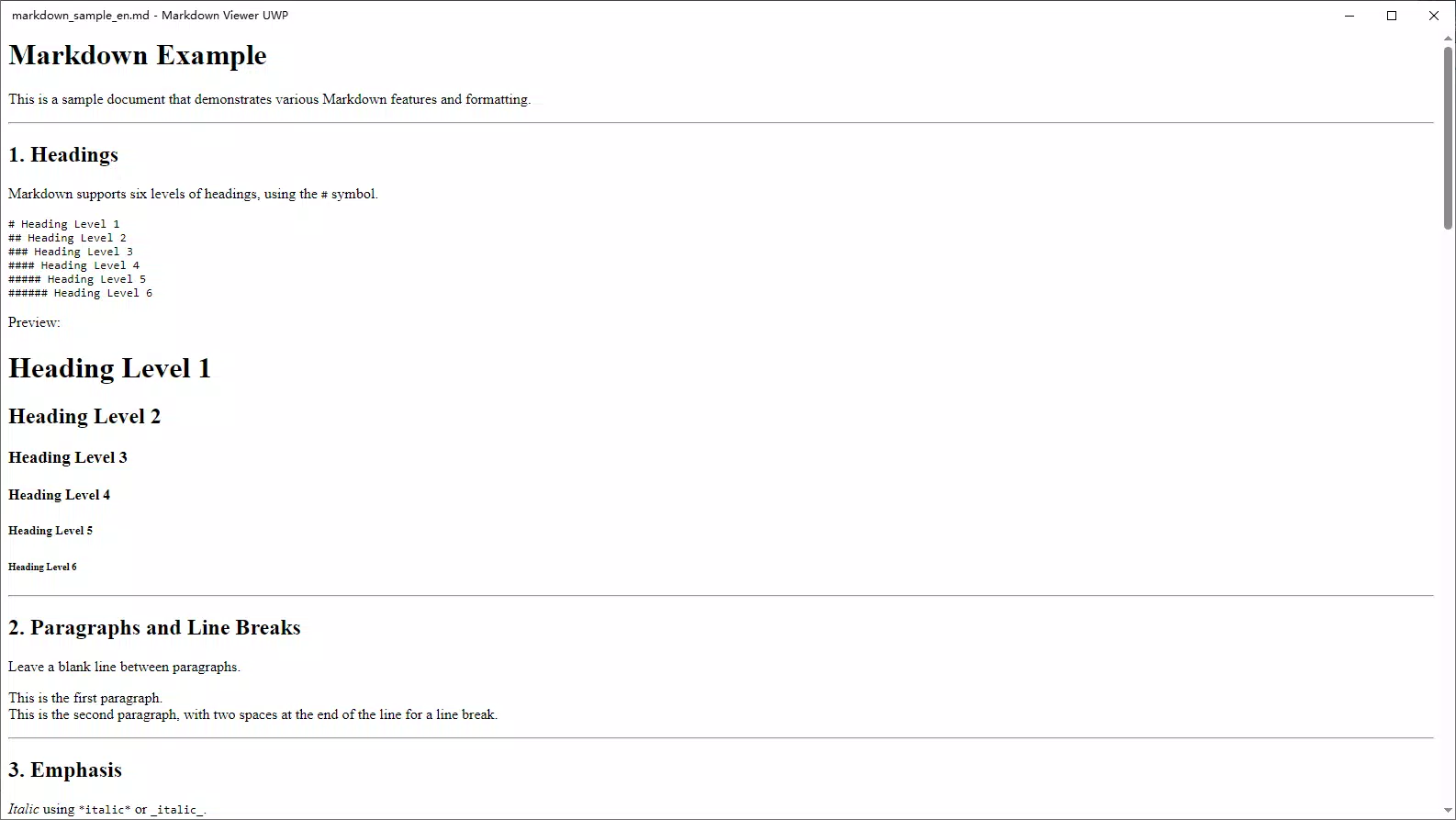
Markdown Viewer UWP is a streamlined utility designed for users who frequently work with Markdown files on Windows 10 and Windows 11. Its primary purpose is to provide a lightweight, efficient way to read and manage .md documents without relying on external software or complex setups. This app caters to developers, technical writers, students, and anyone who uses Markdown for personal notes, documentation, or content drafting. By offering native support for core Markdown syntax—such as headings, lists, formatting, and embedded images—it ensures a clean and accurate rendering experience.
The app solves the common problem of needing a dedicated tool to view Markdown files, especially when working across multiple devices or in environments where installing full-featured editors is impractical. It eliminates the dependency on web-based viewers or bulky applications, delivering instant access to content with minimal overhead. Real-world use cases include reviewing documentation during coding sessions, checking notes before meetings, or previewing blog drafts before publishing.
Developed by Thomas P. Larson, the app reflects a focused approach to utility software, prioritizing speed, simplicity, and reliability. In the broader Windows app ecosystem, Markdown Viewer UWP fills a niche for minimal yet functional tools that enhance productivity without cluttering the system. Its free availability further increases accessibility, making it a valuable addition for users seeking a no-frills solution for reading Markdown files.
Key Features & Functionality
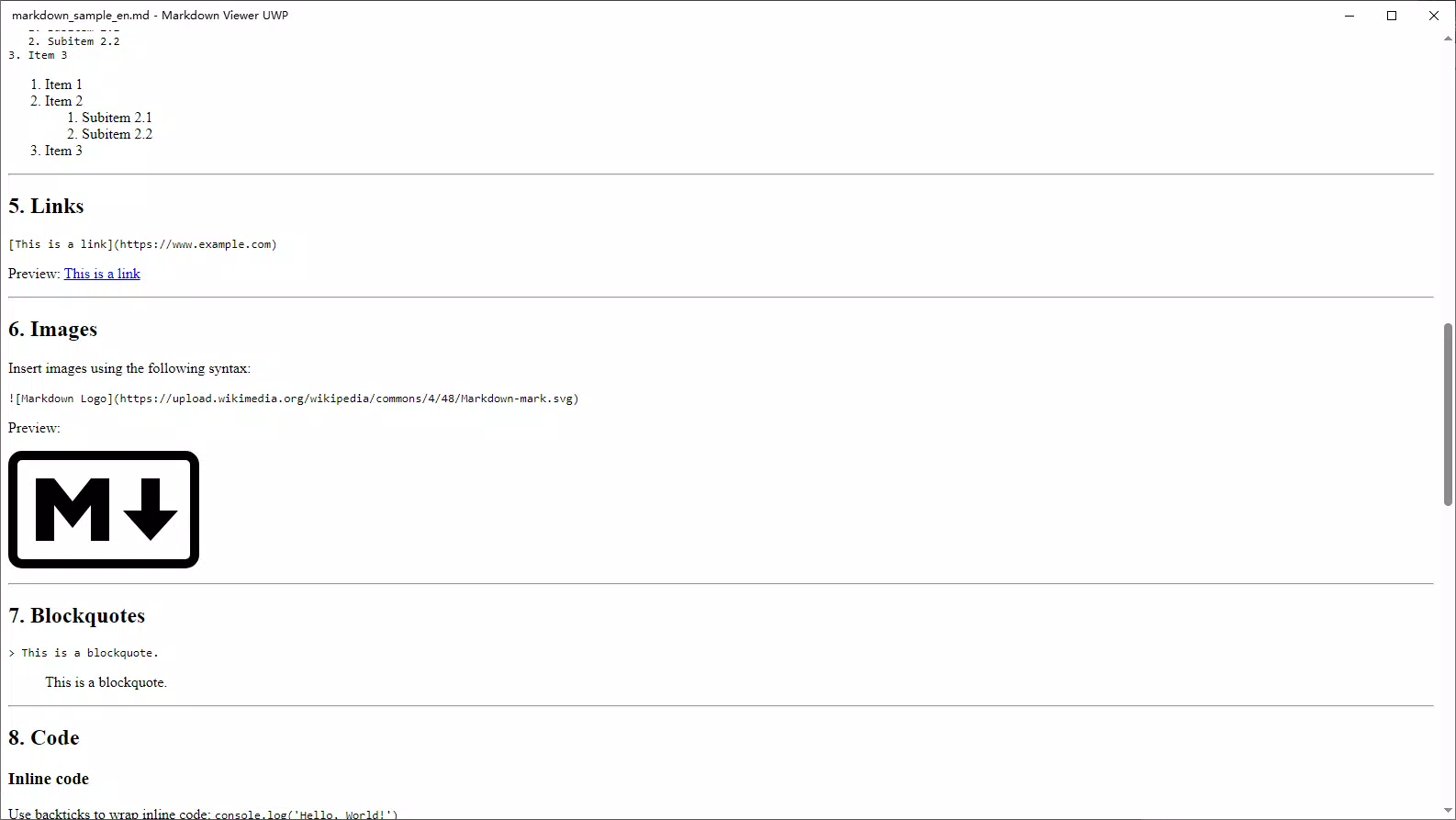
- Native Markdown Rendering: The app fully supports standard Markdown syntax, including headers, bold/italic text, lists, code blocks, and embedded images, ensuring accurate and visually consistent document display.
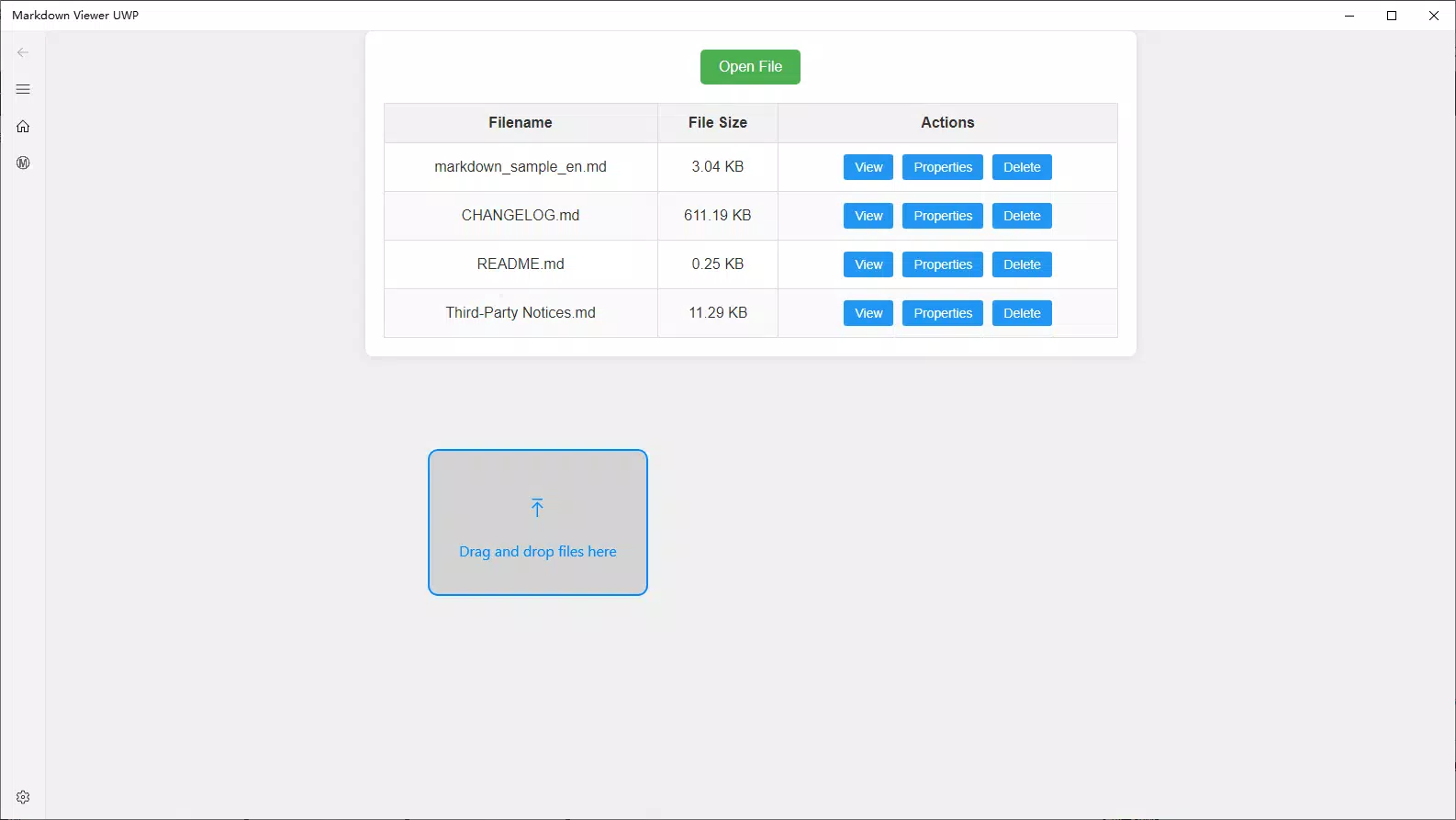
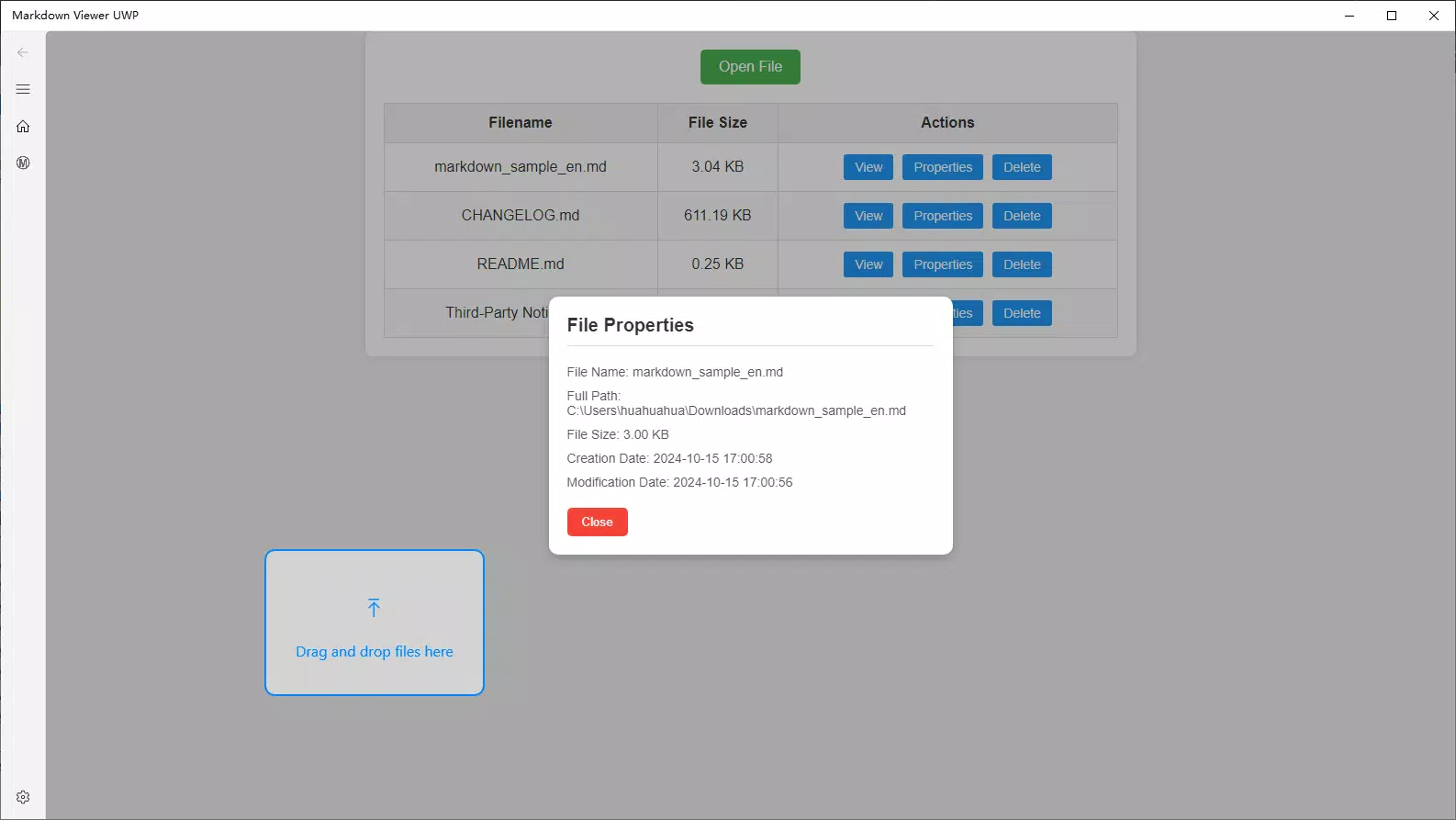
- Intuitive File Browsing: Users can navigate through local folders and access .md files directly from the app’s file explorer interface, with support for viewing file properties such as size and last modified date.
- Safe History Management: When clearing browsing history, only metadata related to recently viewed files is removed—actual documents remain secure and untouched.
- Drag-and-Drop Access: Files can be opened instantly by dragging them directly into the app window, reducing steps and accelerating workflow efficiency.
- Lightweight File Handling: The app is optimized to load and display files quickly, even in large document sets, without consuming excessive system resources.
For example, a developer can open a project’s README.md file by simply dragging it into the app, view formatted content instantly, and continue coding without switching contexts. A student might use it to review lecture notes stored in Markdown format, ensuring all formatting is preserved. The combination of file management and secure history handling makes it suitable for both casual and professional use.
Interface, UX & Performance
Markdown Viewer UWP features a clean, minimal interface that prioritizes readability and ease of navigation. The layout centers on a main viewing pane, with a sidebar for file browsing and metadata display. Visual design emphasizes clarity, using neutral colors and legible typography to reduce eye strain during extended use. Navigation is straightforward, with intuitive gestures and consistent placement of controls.
Although the developer did not list formal performance metrics, the app’s 1.5 MB size suggests a lightweight architecture. It is designed to launch quickly and respond promptly to user actions such as file loading and history clearing. The drag-and-drop functionality enhances usability, particularly for users accustomed to desktop workflows. Responsiveness across different screen sizes and resolutions appears to be well-handled, though specific device testing details were not disclosed.
Stability is implied by the app’s focused scope and lack of complex dependencies. The absence of reported crashes or bugs in the release notes indicates a reliable runtime experience. However, no third-party performance benchmarks or load testing data were provided. Overall, the user experience aligns with expectations for a utility app: efficient, predictable, and distraction-free.
Platform Compatibility & Technical Requirements
Markdown Viewer UWP is designed for Windows 10 and Windows 11 operating systems. The app is available as a Universal Windows Platform (UWP) application, ensuring compatibility with modern Windows devices including desktops, laptops, and tablets. It requires a minimum of 1.5 MB of storage space, making it suitable for systems with limited disk capacity.
The developer did not specify minimum OS requirements beyond listing Windows 10 and Windows 11. No additional hardware or software dependencies were mentioned. Compatibility with older Windows versions or non-UWP environments was not confirmed. Users should ensure their device supports UWP apps and has the latest system updates installed for optimal functionality.
Pros and Cons
Pros
- Free to download and use with no hidden costs.
- Lightweight design with minimal system resource usage.
- Supports standard Markdown syntax for accurate rendering.
- Intuitive drag-and-drop file access for faster workflow.
- Safe browsing history deletion without affecting original files.
Cons
- Does not support editing or saving changes to Markdown files.
- File management features are basic and limited to viewing and deletion.
- No cloud integration or sync capabilities were mentioned.
- Developer did not provide detailed technical specifications or performance data.
- Availability is restricted to Windows platforms only.
FAQ
Is Markdown Viewer UWP available for Android or iOS?
Currently, the app is only available for Windows 10 and Windows 11. There is no official version for Android or iOS devices.
Can I edit Markdown files in this app?
No, Markdown Viewer UWP is designed solely for reading and viewing Markdown files. It does not support editing, saving, or modifying content.
Is the app secure to use?
Yes, the app is secure. When browsing history is cleared, only temporary records are removed—your actual Markdown files remain untouched and protected.
How do I update the app?
Updates are delivered through the Microsoft Store. Ensure your device is connected to the internet and check for updates regularly to receive the latest version.
Does the app require internet access?
No, the app functions entirely offline. It does not require an internet connection to view or manage local Markdown files.
Final Thoughts
Markdown Viewer UWP delivers a focused, reliable solution for users who need to read Markdown files on Windows without the overhead of full-featured editors. Its lightweight design, intuitive interface, and support for essential Markdown syntax make it ideal for developers, students, and technical professionals who value speed and simplicity. While it lacks editing capabilities, its strengths lie in secure viewing, fast access, and minimal system impact.
For those who frequently handle .md files and seek a no-frills, free tool, this app offers clear value. It enhances productivity by streamlining access to documentation and notes, all within a secure and user-friendly environment.
Download Markdown Viewer UWP now


